All guides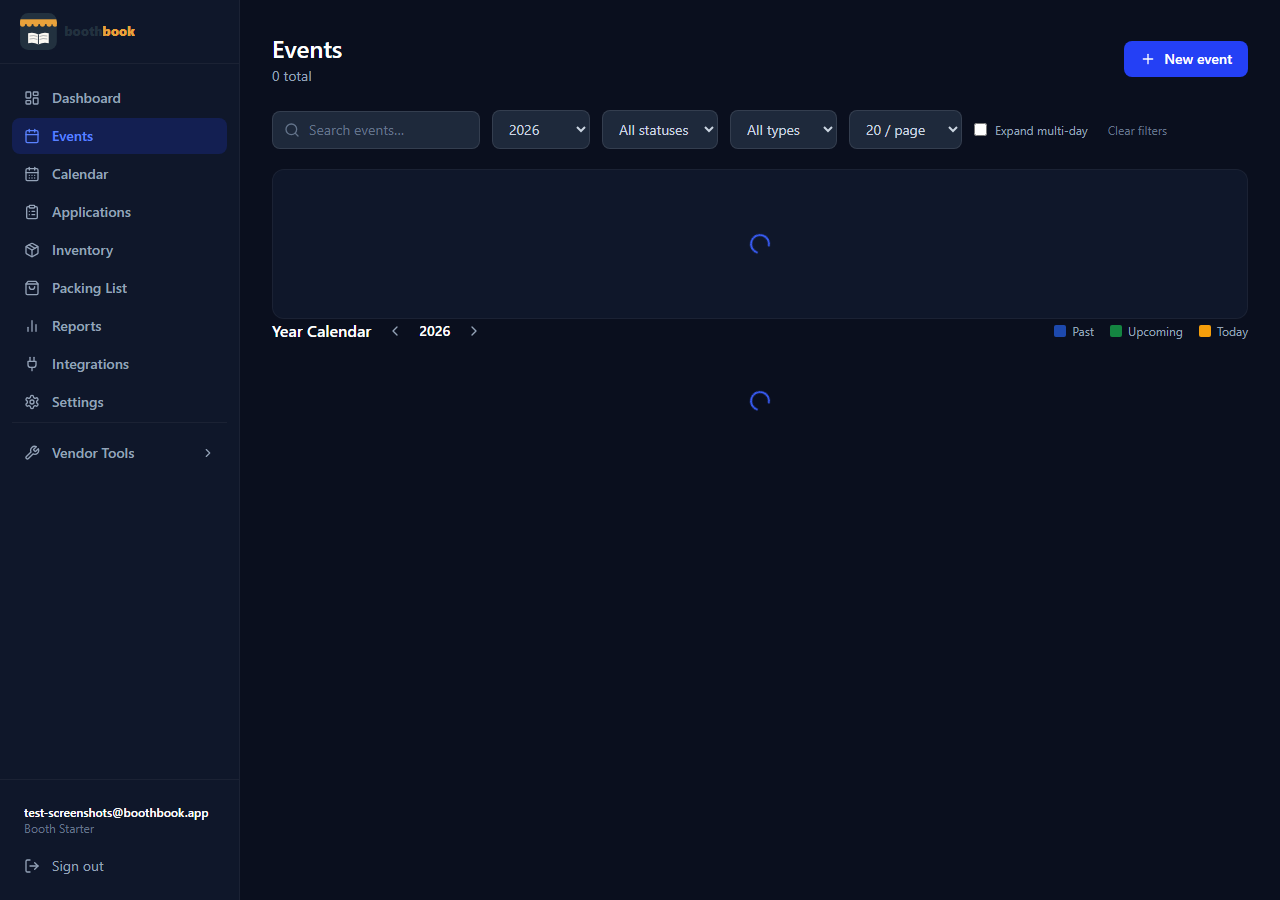
Events & Tracking
Filter and search your events
Quickly find any past or upcoming show using BoothBook's search bar, year filter, and status filters on the Events list.
- 1Go to Dashboard → Events.
- 2Use the search bar at the top to filter by event name or location — results update as you type.
- 3Use the Year dropdown to narrow results to a specific calendar year.
- 4Use the Status filter to show only Confirmed, Completed, Cancelled, or Draft events.
- 5Combine filters — for example, select 2024 + Completed to review all shows from last season.
- 6Click any event row to open its detail page.
Related guides
Track your first event
Learn how to log an event in BoothBook — from entering the show details before the event to filling in income and expenses afterwards.
Delete or archive an event
Remove a cancelled show or tuck away old events you no longer need on your active dashboard without losing the historical data.