All guides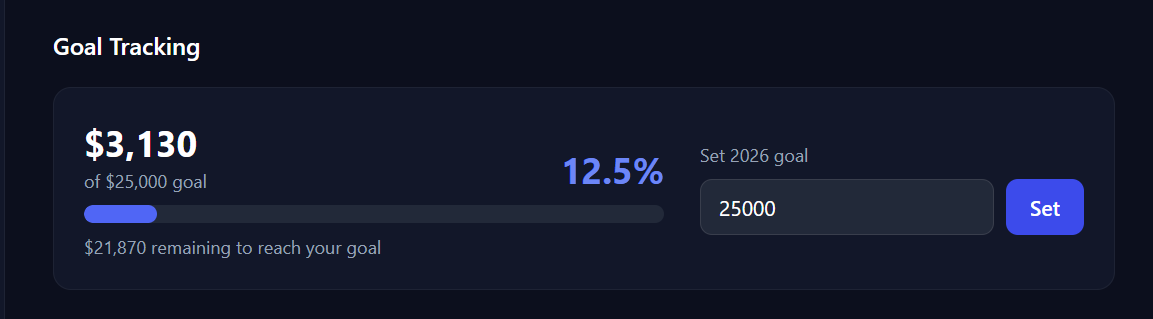
Reports & Taxes
Set an annual income goal
Set a yearly revenue target and watch a live progress bar on your dashboard update as you log events throughout the season.
- 1Go to Dashboard → Reports → Analytics.
- 2Scroll to Goal Tracking.
- 3Enter your annual income goal and click Set Goal.
- 4Your dashboard will show a progress bar as you log events throughout the year.
- 5If you connect Etsy or Shopify, your online sales (web orders and any in-person POS sales not linked to a market) are added to the goal total automatically, on top of your market income.
Related guides
Understand the analytics dashboard
Walk through every section of the Analytics dashboard — year-over-year comparisons, quarterly revenue charts, top events, and expense breakdowns.
Understand Income Per Hour (IPH)
Income Per Hour helps you compare shows on a fair basis — learn how BoothBook calculates it and how to use it to prioritize next year's market schedule.