All guides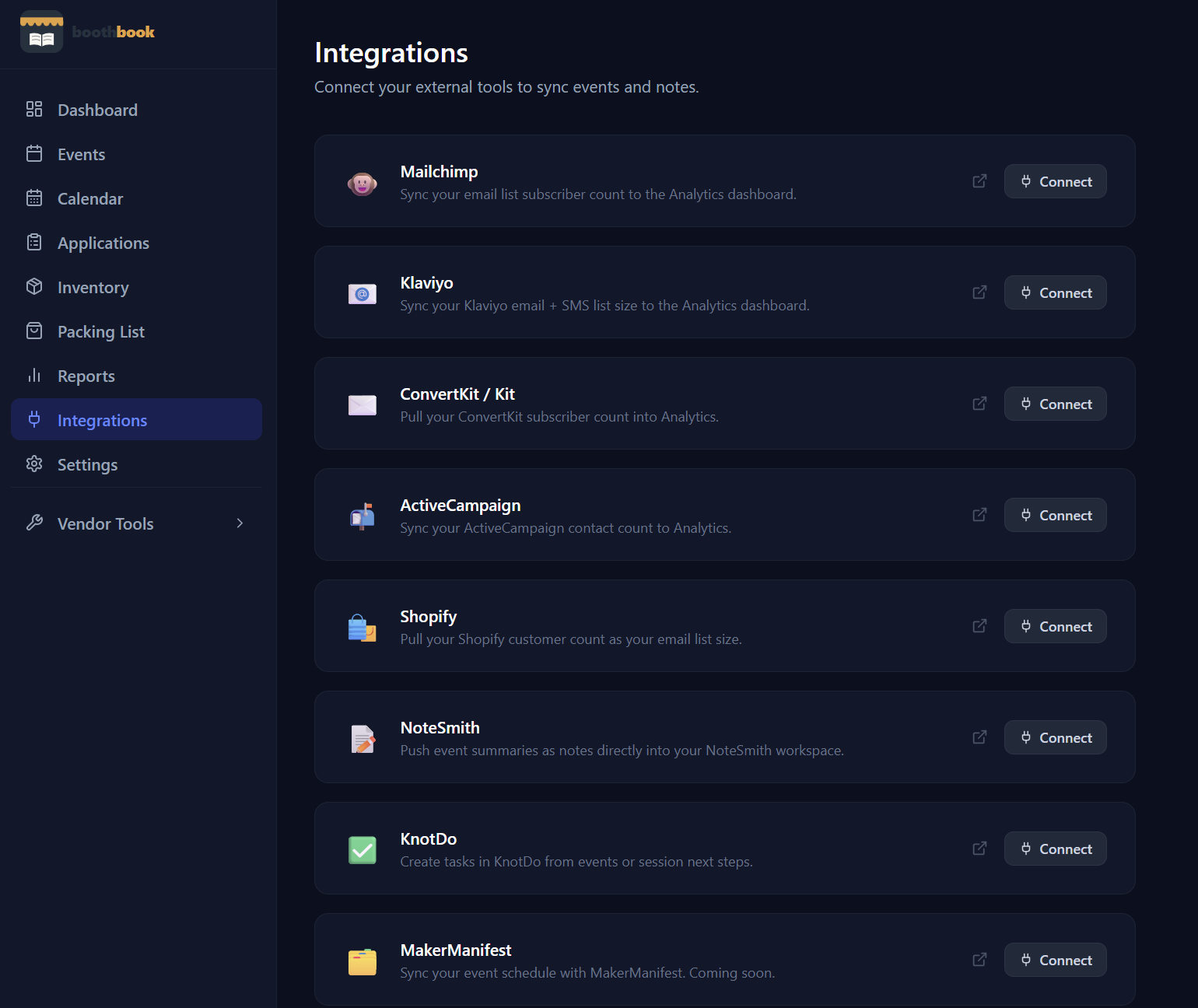
Tools & Integrations
Connect integrations
Link BoothBook to Google Calendar, Shopify, Etsy, or QuickBooks so your event and sales data stays in sync automatically.
- 1Go to Dashboard → Integrations.
- 2Click Connect next to Google Calendar, Shopify, Etsy, or QuickBooks.
- 3Follow the authorization prompts.
- 4Once connected, your data syncs automatically.
Related guides
Use VendorTools from within BoothBook
Access the full free VendorTools suite — pricing calculators, break-even analysis, cash change helper, price tag maker, and more — directly from BoothBook.
Set up your public vendor page
Create a shareable public page that shows customers your upcoming markets — no account needed on their end, just a clean link you can put anywhere.