All guides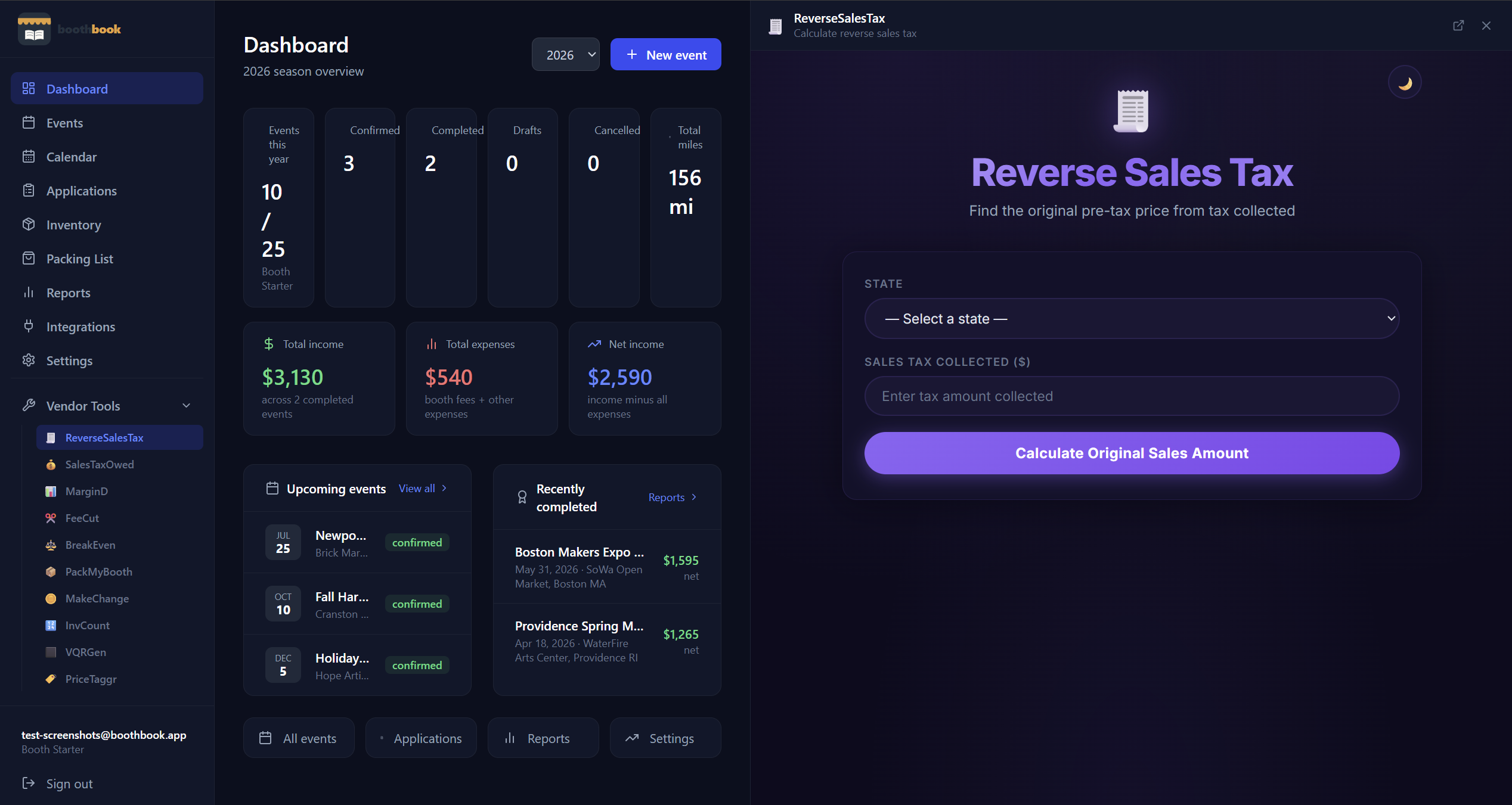
Tools & Integrations
Use VendorTools from within BoothBook
Access the full free VendorTools suite — pricing calculators, break-even analysis, cash change helper, price tag maker, and more — directly from BoothBook.
- 1BoothBook integrates with the free VendorTools suite — a set of calculators built for craft fair vendors.
- 2Access them at vendortools.app or through BoothBook's navigation. The tools include: Pricing Calculator (margin + markup), Break-Even Calculator, Cash Change Helper, Card Fee Calculator, Price Tag Maker, QR Code Generator, Inventory Counter, and Reverse Sales Tax.
- 3Use the Pricing Calculator (margind.app) before each show to confirm your prices cover costs and time.
- 4Use Break-Even (break-even.cc) to know exactly how many items you need to sell to cover your booth fee and expenses.
- 5Use the Cash Change Helper (makechange.app) at the show to quickly calculate change without a cash drawer.
- 6Use the Price Tag Maker (pricetaggr.cc) to print clean, professional price tags for your booth.
- 7Use the QR Code Generator (vqrgen.com) to create QR codes for your Venmo, CashApp, website, or social links.
Related guides
Connect integrations
Link BoothBook to Google Calendar, Shopify, Etsy, or QuickBooks so your event and sales data stays in sync automatically.
Use the packing list
Build a reusable booth packing list so you never forget tent stakes or your card reader again — check items off before each show and reset for the next one.