All guides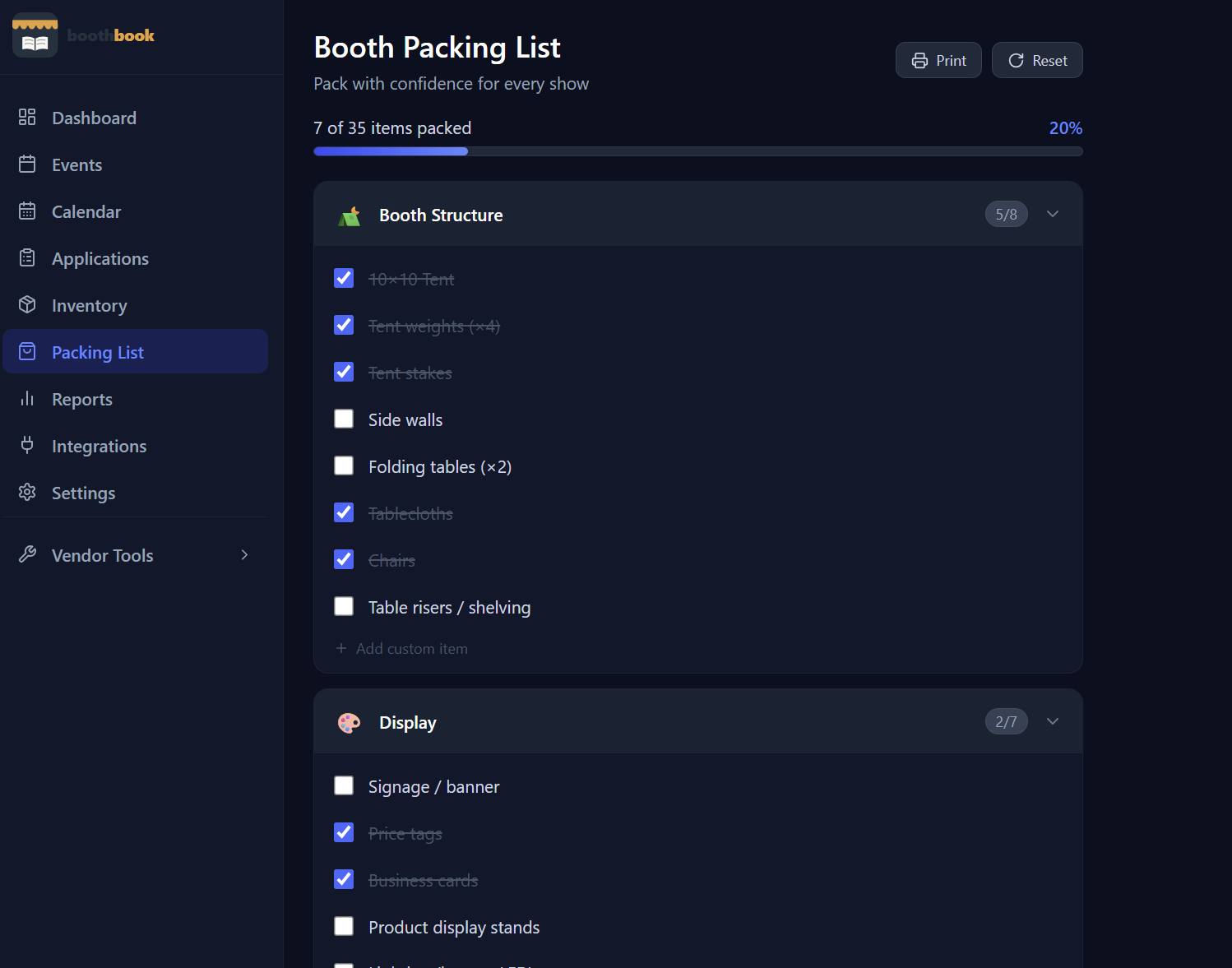
Events & Tracking
Use the packing list
Build a reusable booth packing list so you never forget tent stakes or your card reader again — check items off before each show and reset for the next one.
- 1Go to Dashboard → Packing List.
- 2Click Add Item and enter the item name (e.g. "10×10 Tent", "Card Reader", "Price Tags").
- 3Optionally assign a quantity and category to each item.
- 4Before each show, open the packing list and check off items as you load up.
- 5Use Reset Checks to uncheck everything for the next show — your list stays saved for reuse.
Related guides
Track your first event
Learn how to log an event in BoothBook — from entering the show details before the event to filling in income and expenses afterwards.
Use VendorTools from within BoothBook
Access the full free VendorTools suite — pricing calculators, break-even analysis, cash change helper, price tag maker, and more — directly from BoothBook.