All guides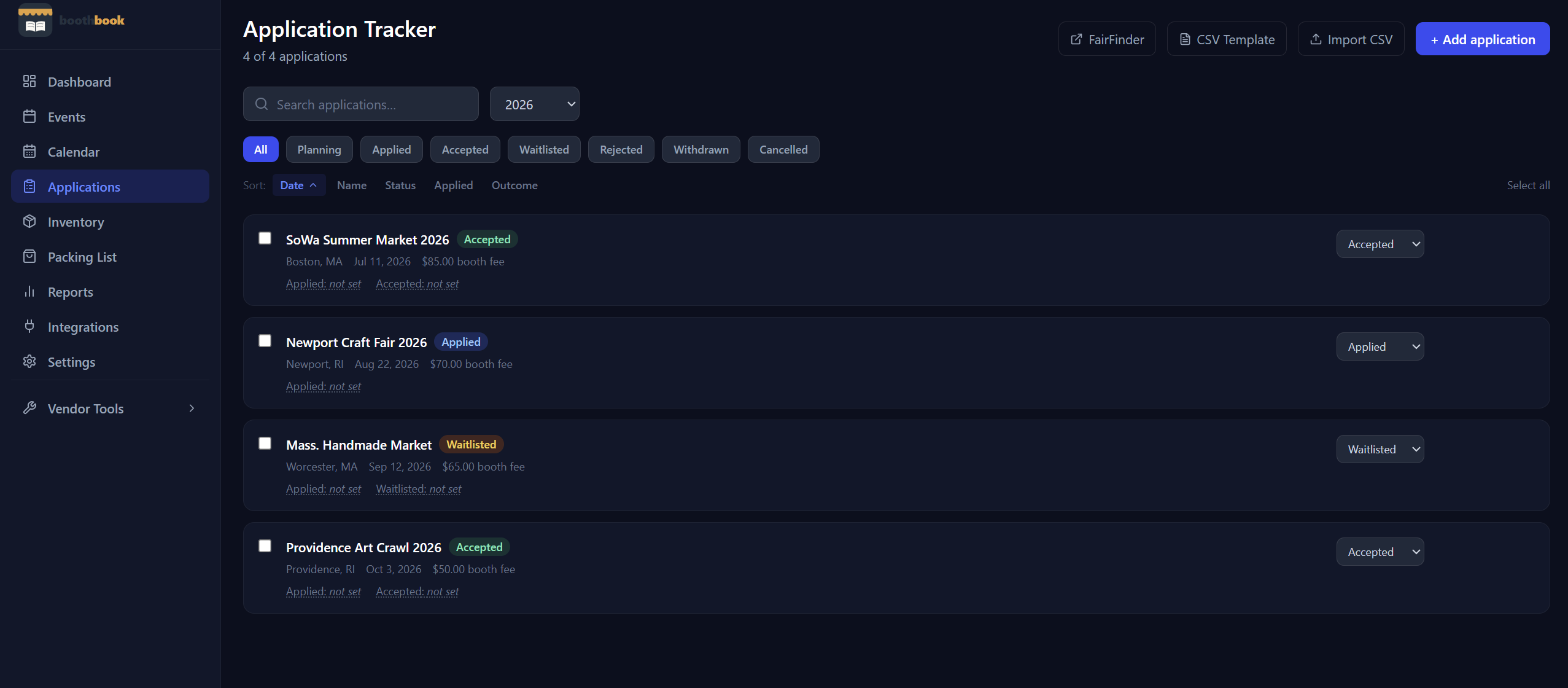
Applications
Use the applications tracker
Manage every market application in one place — log it when you apply, update the status as you hear back, and convert acceptances into full event records.
- 1Go to Dashboard → Applications.
- 2Click New Application and enter the market name, date, and fee.
- 3Set the status to "Applied." Update it to Accepted, Waitlisted, or Declined as you hear back.
- 4When accepted, you can create the full event record from the application.
Related guides
Find markets to apply to using FairFinder
Browse and discover craft fairs, art markets, and book fairs near you through FairFinder — right from within BoothBook.
Import historical applications via CSV
Bulk-import past market applications using a CSV spreadsheet so you can get years of show history into BoothBook in minutes.
Copy applications to next year
Carry forward your favourite market applications into the new season with one click — BoothBook resets statuses to "Planning" so you can re-apply fresh.