All guides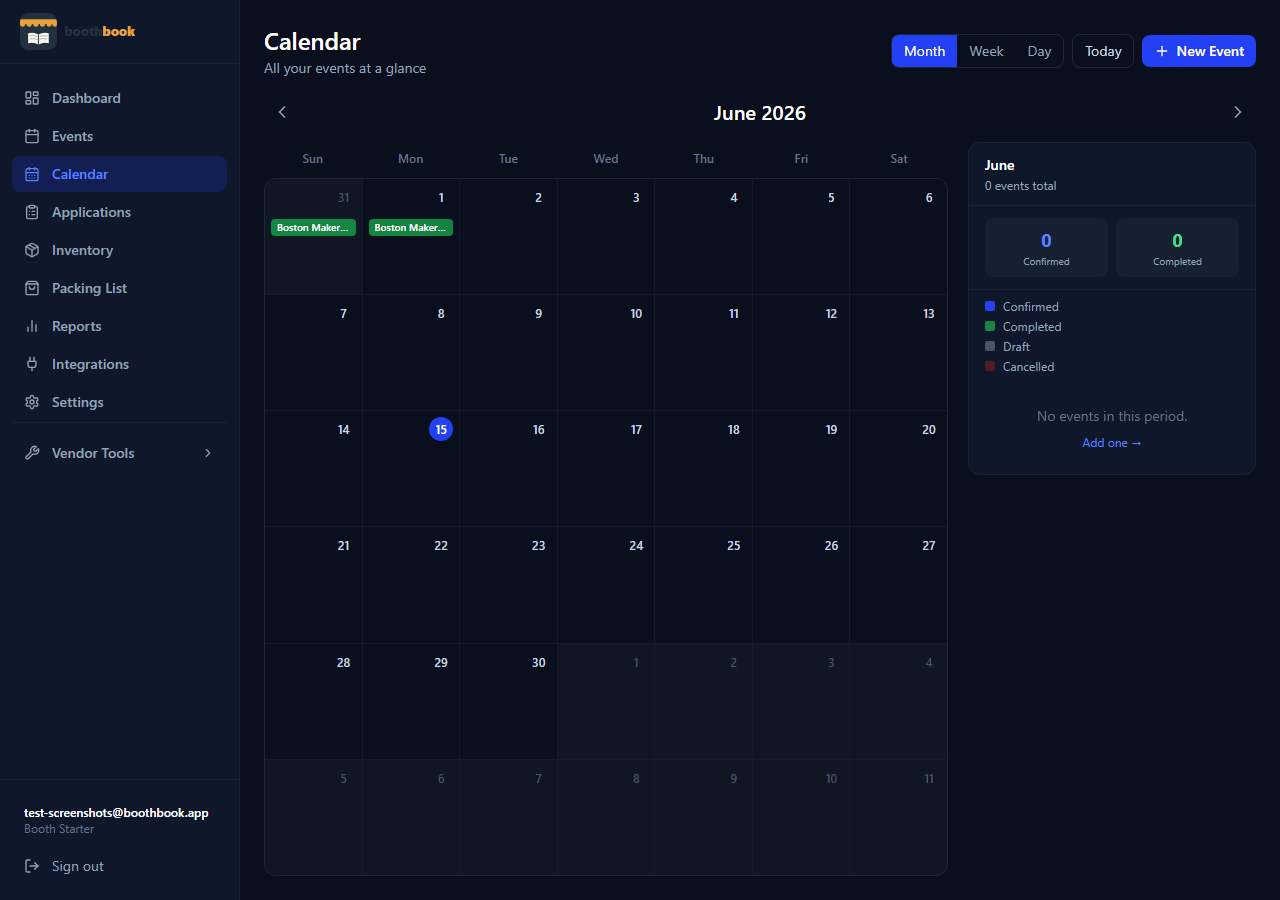
Getting Started
View your events calendar
Use the BoothBook calendar to see all confirmed events and accepted applications at a glance, and quickly jump to any event detail.
- 1Go to Dashboard → Calendar.
- 2The calendar shows all your confirmed events and accepted applications by month.
- 3Click any event on the calendar to jump to its detail page.
- 4Use the month navigation arrows to browse past and future months.
- 5Applications show alongside events so you can see your full schedule at a glance.
Related guides
Track your first event
Learn how to log an event in BoothBook — from entering the show details before the event to filling in income and expenses afterwards.
Use the applications tracker
Manage every market application in one place — log it when you apply, update the status as you hear back, and convert acceptances into full event records.